2026-10-17
Sonder support for ILSC Australia students
Understand the Sonder support described for ILSC students, from account activation and contact options to privacy, eligibility and emergency-service boundaries.
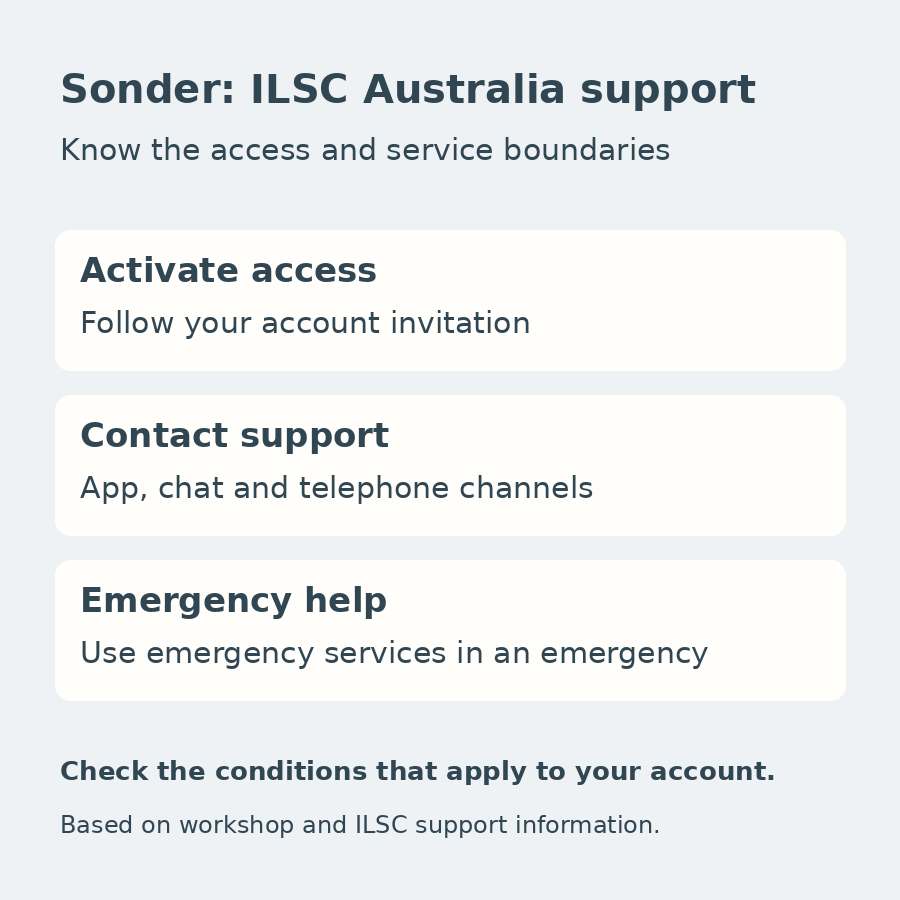
ILSC's official 2026 Australia workshop introduces Sonder as a source of health, wellbeing and safety support for students. It describes help through an app, chat and telephone contact, with support available day and night.
For a student, the useful first step is understanding how access is activated and what the service is intended to help with. This is a guide to the support described in the workshop, not medical advice or a guarantee that every service is available under every enrolment.
ILSC’s current Australian student-support information also describes a free, round-the-clock Sonder contact service through the app. This describes the support line; it does not make every possible treatment, referral or other healthcare service free. ILSC Australia student-support information
What the workshop says Sonder can help with
The presentation gives several examples: feeling unwell or being injured and wanting a nurse's advice; feeling worried, stressed or anxious and wanting someone to talk to; needing help quickly; or being concerned about a friend or family member.
These examples explain why a student might seek support. They are not diagnoses, a list of conditions that can always be treated remotely or a promise of a particular clinical outcome. Being able to ask for advice about someone close to you also does not establish that the other person receives their own account or direct service entitlement.
The app features listed in the workshop include:
- Telehealth and clinical support for physical and mental health concerns.
- Safety alerts about natural disasters.
- Telephone contact when a student feels unsafe walking home at night.
- A digital library of health and safety learning resources.
- Round-the-clock chat and telephone support with language assistance.
An alert or phone conversation should not be interpreted as a promise of a physical escort, continuous location monitoring or automatic emergency dispatch. Those features are not established by the slide.
Access begins with account setup
The workshop describes Sonder arranging an account, followed by an email and app-registration steps. Students then download the app and complete the activation process described to them. ILSC’s current Australian information says students receive an account-setup email when their course begins. Follow the instructions for your own enrolment rather than treating that description as a guaranteed personal activation deadline.
That is different from assuming that downloading the app alone creates access through an ILSC enrolment. Use the instructions sent for your own account and establish whether your enrolment includes the service. The presentation does not give a fixed activation deadline, a complete eligibility list or the date on which access ends.
As a practical preparation step, check that you can access the service before relying on it. If an expected invitation has not arrived or activation fails, ask the relevant student-support contact about the account arrangements. Do not use another student's account or assume a public app listing confirms your eligibility.
Understand the support and privacy boundaries
The workshop describes confidential care and advice. It does not include the full privacy notice or all circumstances governing how information is handled. Read the terms and privacy information provided during activation rather than interpreting a short presentation as an unlimited confidentiality guarantee.
Similarly, round-the-clock availability should not be converted into a promised response time for every clinical service. The slide does not specify every type of appointment, treatment, referral or associated cost. It should not be used to claim that all healthcare is free or that Sonder replaces health insurance.
If you need to understand a particular service, clarify what is available through your account and what may require another provider. General learning resources can help you find information, but they do not replace individual professional assessment when that is needed.
Keep emergency help separate
Sonder should not be treated as a replacement for emergency services. In an emergency, use emergency services rather than relying on app registration or a routine support response.
For everyday preparation, the aim is to know your available support channels, complete any required activation and understand where their limits lie. The workshop presents Sonder as an additional source of support, not a promise that every health, safety or personal problem can be resolved through one app.
Sources: ILSC’s official “6.ILSC AUS 2026 -ACU.pptx”, slide 19, and the official Australian student-support information linked above, checked on 17 October 2026. The current page supplements the workshop’s account-setup and contact-service description. Individual account eligibility, full privacy and service terms, and individual care decisions are not established by this overview.