2026-10-17
ILSC student services and digital tools
Navigate MyILSC, student-service requests and campus-advisor appointments without confusing information access, submitted requests and approved changes.
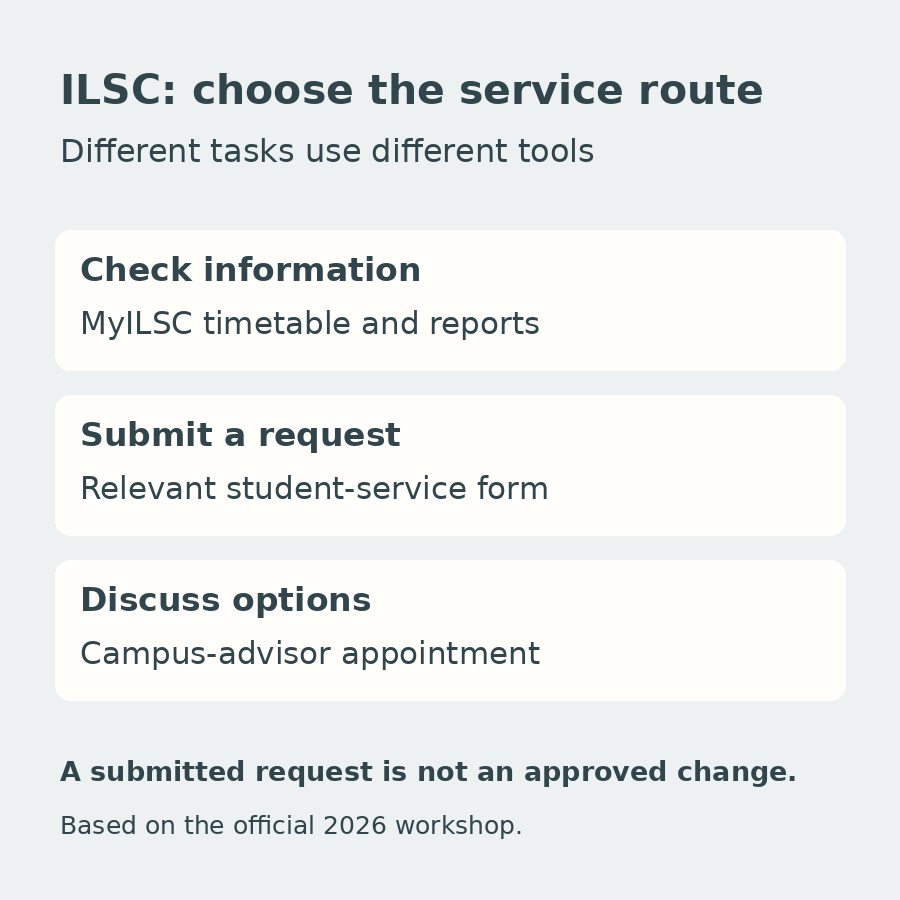
Checking a timetable, requesting a change and discussing a study decision are different tasks. ILSC's official 2026 Australia workshop presents several tools for these purposes, including MyILSC, online student-service requests and appointments with campus advisors.
Knowing which route fits the task can make the first weeks of study easier to navigate. The workshop describes the services; it does not establish that submitting a form automatically approves a change or that every service has the same access conditions.
Start with information you can check yourself
The MyILSC student app slide highlights the timetable, the activities calendar and an arrival guide with city information. Its screen also shows attendance and progress-report entries, along with access to services and advisor appointments.
That makes the app a useful starting point for understanding the information available to you. If something in your own timetable or record seems unclear, note the specific item before seeking help. Do not assume that an attendance entry or progress report can be changed directly from the screen simply because it is visible there.
Use the account instructions supplied for your own enrolment. If access is not working, establish the appropriate support route rather than using another student's account or sharing login details.
Match an administrative task to its request type
The online-services image shows separate requests for:
- Schedule changes and class changes.
- Campus transfers and extensions.
- Vacation and documentation.
- Contact-detail updates and homestay changes or cancellations.
These labels help distinguish what you are asking the school to do. They do not establish the conditions, fees, processing time or outcome of a particular request. Several forms in the workshop image require a Microsoft 365 login; the material does not give a universal access procedure for every student or form.
As general preparation, describe the issue clearly, include the relevant dates and keep any response you receive. For a change that affects future plans, distinguish submitting the request from receiving confirmation. An available request button should not be treated as permission to act as though a change has already been approved.
Use an advisor when the question needs discussion
The workshop directs students to ILSC's campus-advisor booking page. The examples shown cover cultural support, programme changes, extensions, timetable changes, withdrawals or cancellations, holiday scheduling, campus transfers and university pathways.
An appointment can therefore be the more appropriate route when you need to understand options before making a request. For example, asking how a change might affect your study plan is different from submitting the change itself. That is a general distinction between advice and administration, not a guarantee about the outcome of an appointment.
Choose the relevant campus or service option and check the booking's time zone. The screenshot includes different locations and online-class time zones; it should not be read as a live list of today's available appointments.
Know what the wider support overview includes
Slide 16 also lists a free online language assessment called PROLA, Microsoft 365, on-campus student advising, after-class activities, StudentConnect, first-day orientation, accommodation assistance and Job Club.
Each name has its own purpose. The assessment listing does not establish an external examination certificate. Microsoft 365's inclusion does not specify a permanent licence after study. Accommodation assistance does not confirm a room, and the Job Club name does not promise employment.
For a new student, a practical sequence is to understand the first-day instructions, establish access to the tools supplied for the enrolment, check the relevant information and then use a request or advisor appointment when needed. This is an organising suggestion, not an extra official onboarding procedure.
Source: ILSC's official “6.ILSC AUS 2026 -ACU.pptx”, slides 16–18 and 20. The service list is on slide 16; request categories appear in the image on slide 17; the advisor link and example support topics are on slide 18; app functions appear on slide 20.